Stabilize the checkpoint
Build one reliable scan → inspect → decide routine before chasing speed.
Follow this route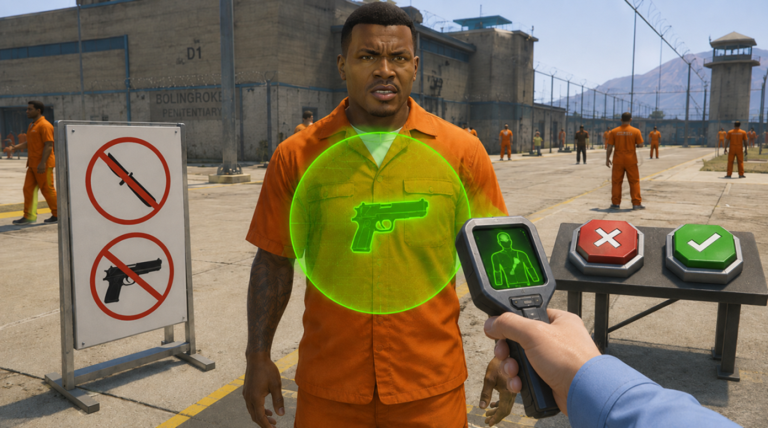
Your next move: open the beginner tutorial and learn the checkpoint routine before you worry about upgrades, speed, or the final boss.
Official listing, Roblox metadata, and official media reviewed · August 12, 2026
Start with the documented objective, then use cautious strategy where public sources stop. Each step tells you which is which.
Find the scanner and red/green-marked buttons depicted in official media before you rush.
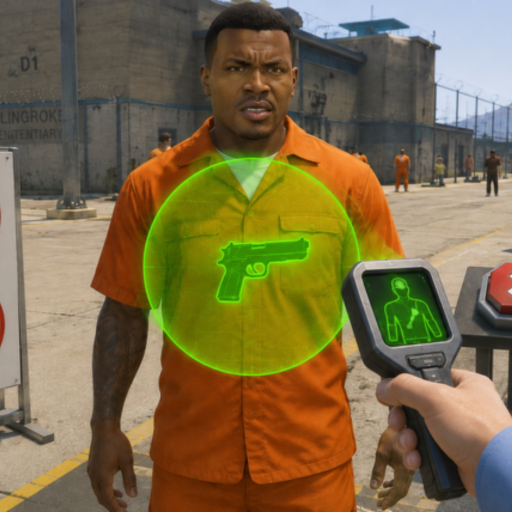
Knowing where the image places the evidence and controls gives your suggested routine a clear start.Official media depictsMake the X-ray scan the first step in your checkpoint routine.
The developer specifically says inmates can hide shanks, guns, and other illegal weapons.Official listing statesLook at the item shown inside the scan field and check any guidance shown in your session.
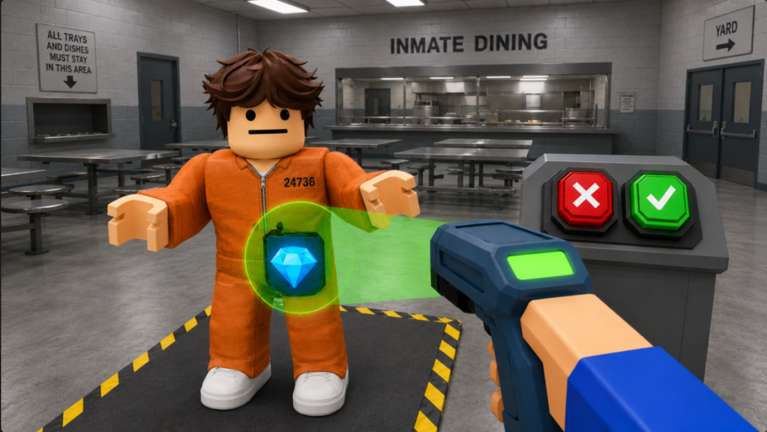
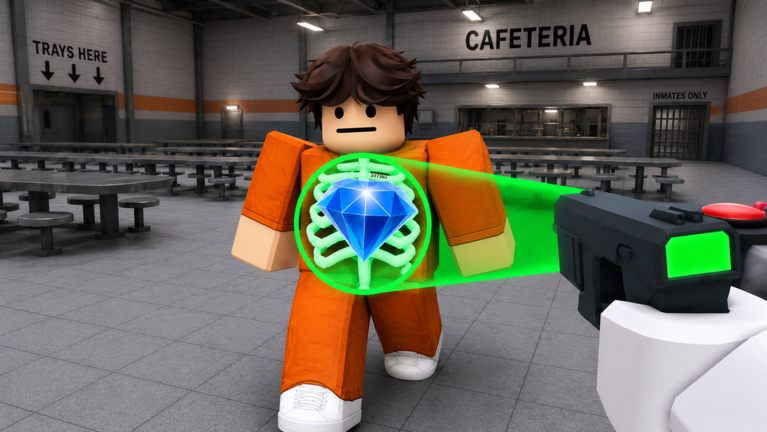
Official media depicts different carried objects, so the glow alone is not a verdict.Suggested strategyChoose the response supported by the evidence, then reset for the next inmate.
A repeatable read-before-decision routine is safer than guessing for speed.Suggested strategyCheck the current upgrade screen before spending cash, then watch for escape pressure.
The listing advertises gear upgrades, rising danger, powerful inmates, and a final boss.Official listing statesThe official listing advertises scanning, illegal weapons, cash, gear, rising danger, escape attempts, and a final boss. Exact payout and trigger formulas are not public.
X-ray an inmate to check for a hidden item.
Read the revealed item against any guidance shown in your session.
Choose the checkpoint response supported by what you found.
The listing says earned cash can upgrade security gear.
Expect more danger as more prisoners are processed.
Stop escape attempts, powerful inmates, and the final prison boss.
Finish one clean scan-and-decision routine before the prison escalates.
Open lessonConnect prisoner processing, upgrades, rising danger, and defense.
Open lessonChoose gear for the problem ending your run without invented tier lists.
Open lessonCash and security gear are documented. Current costs and effects are not, so your decision rule matters more than a stale tier list.
Build one reliable scan → inspect → decide routine before chasing speed.
Follow this routeCheck the current upgrade screen and choose for the problem that is ending your run.
Follow this routePrepare for the advertised escape attempts and developer-described final boss.
Follow this routeWhy it hurtsYou skip the central evidence-gathering action.
FixMake the scan the start of every checkpoint call.
Why it hurtsOfficial media depicts different carried objects.
FixRead the item and any guidance shown in your session, not just the highlight.
Why it hurtsPublic sources do not publish current prices or exact effects.
FixCheck the current upgrade screen and buy for your present bottleneck.
The images depict a scanner field, different revealed objects, and red/green-marked buttons. They do not prove button behavior or publish a complete contraband catalogue.
Short answers built from sources we could verify publicly.
Open all FAQYou X-ray inmates, search prisoners returning to their cells, find illegal weapons, earn cash, upgrade security gear, and stop increasingly dangerous breakout attempts.
The official description specifically names shanks and guns, then refers more broadly to other illegal weapons. This guide does not invent a complete item list.
The official listing says players can face a final prison boss. Public sources reviewed do not document its trigger, stats, or fight mechanics.
The developer lists Desktop, Mobile, Tablet, and Console as supported device groups. Exact game-specific controls are not published on the official listing.
Build one clean checkpoint routine, then continue through the guide in learning order.
Review our sources and fact-check policy